Create the community
Record the community profile and its administrative structure.
Start with the community, then add buildings or property groups and the apartments, villas or plots within them. Connect owners, tenants, residents and family members to the units they belong to.
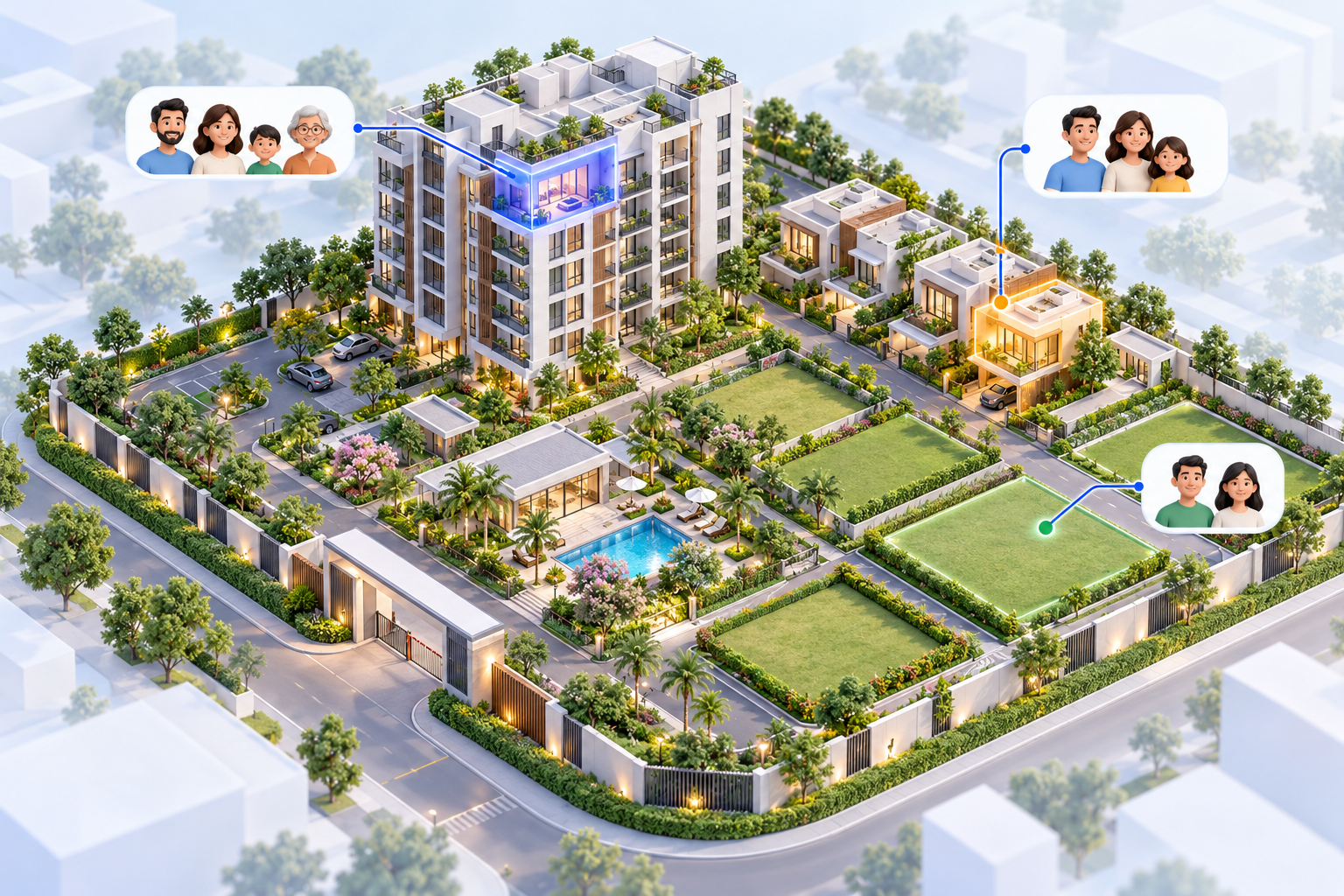
Follow the steps from create the community through onboard members.
Record the community profile and its administrative structure.
Build the hierarchy from blocks or groups down to units.
Link people to units and review invitations or registration requests.
A clear unit and people structure gives daily community work a useful foundation.
Explore all features arrow_forwardModel blocks, buildings and property groups without forcing every community into one layout.
Assign admins, committee members, guards, staff and residents to relevant workspaces.
Plan import of blocks, units, members and financial opening information using supported templates.
Yes. The unit level can represent apartments, villas, bungalows or plots.
Role switching allows an eligible admin who owns a unit to access both views.
Tell us about your structure, roles and everyday workflows.