
One Platform to Run Your Entire Community.
SocMgt is housing society management software for communities starting in India. Manage units and members, maintenance bills, expenses, complaints, visitors, staff, notices and committee work in one connected place. Give every role a clearer view of what needs attention.
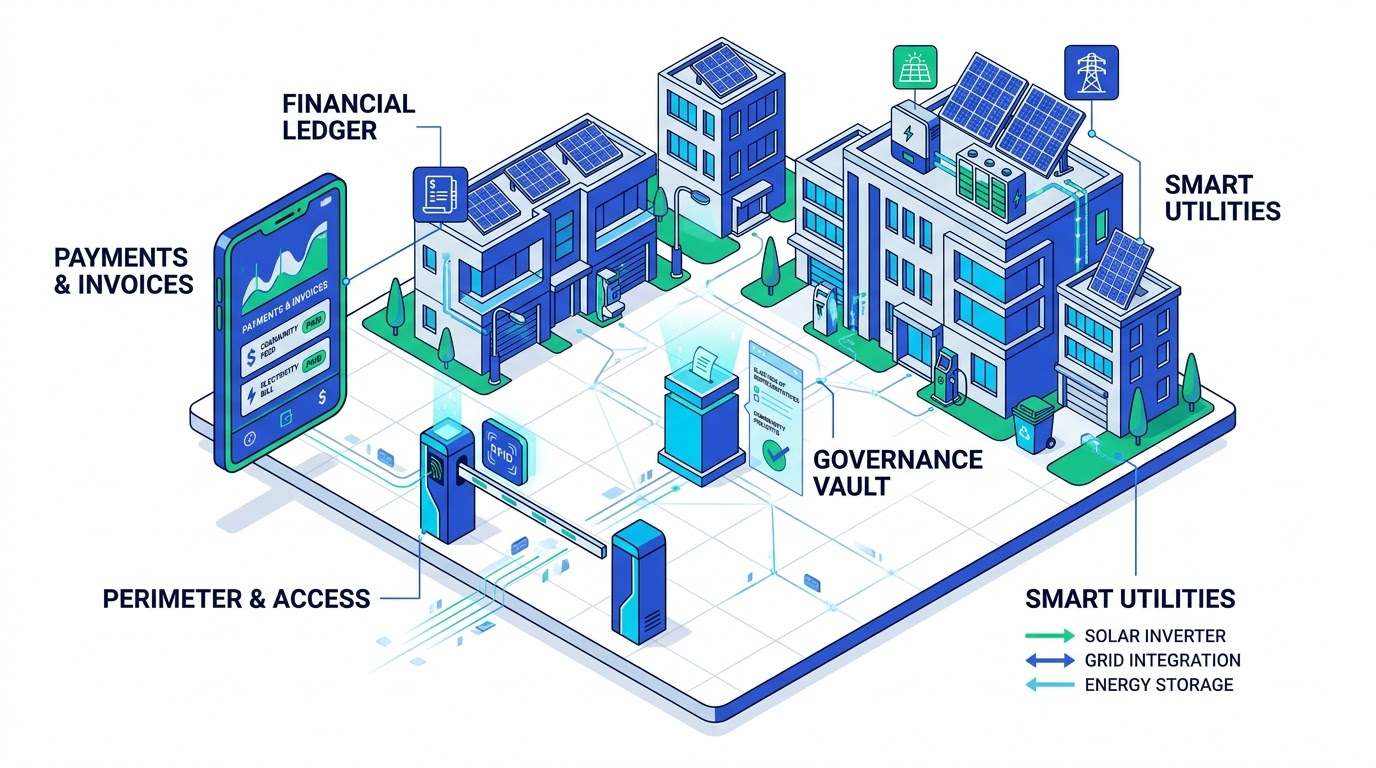
One place for day-to-day community work
Community admins manage properties, people, money and service requests from a shared set of records. Residents see information for their linked properties, while guards and staff get role-specific workspaces.
Pre-approved guests, arrival records and a guard-facing check-in workflow.
Maintenance charges, payment records, expenses and financial reports.
Resident complaints, assignments, status updates and maintenance follow-up.
Organise communities down to each unit
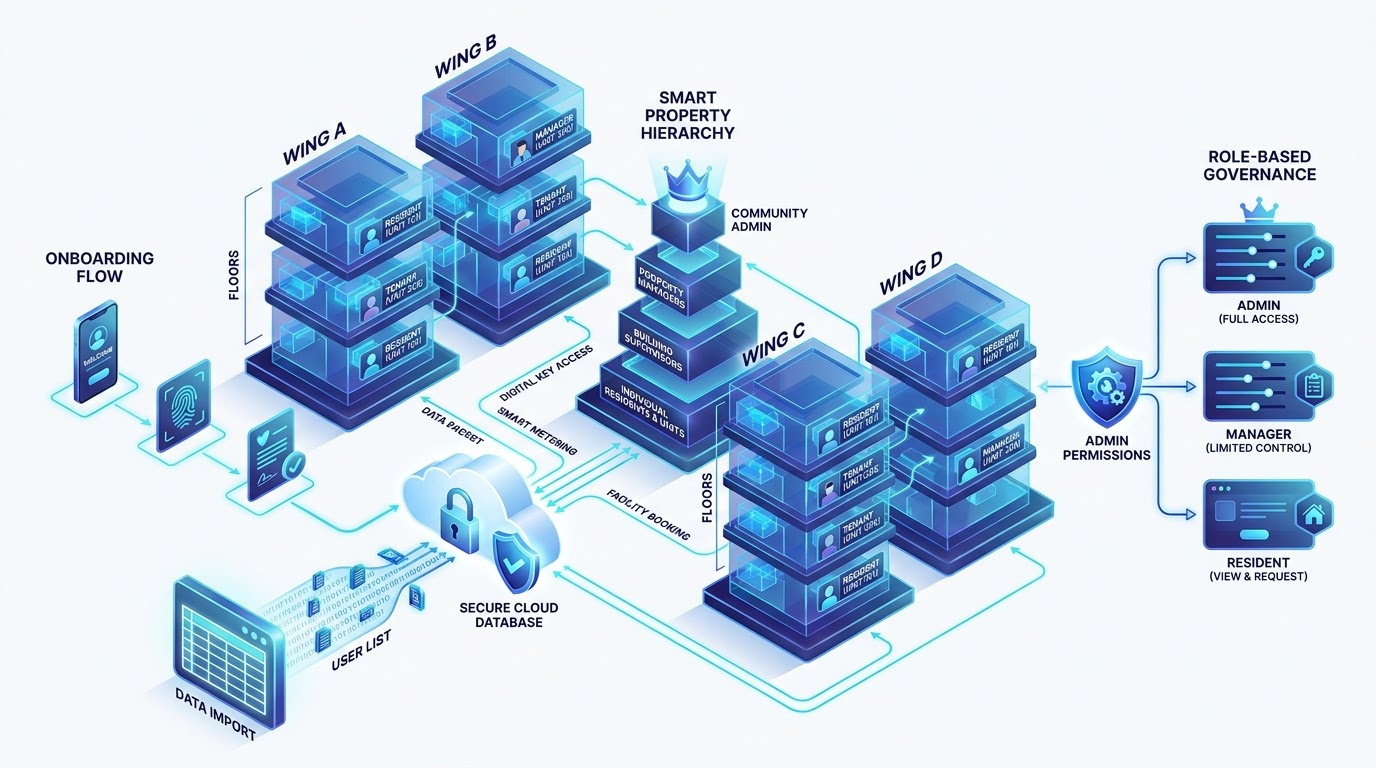
Set up a community, its buildings or property groups and its apartments, villas or plots. Link owners, tenants and residents to the right units and manage access by role.
Create the community structure and maintain its building, block and unit records.
People with more than one property can move between their linked units; admins with a unit can access both views.
Keep owner, resident, family and staff records together. Import existing community data using the supported templates.
Maintenance billing that residents can understand
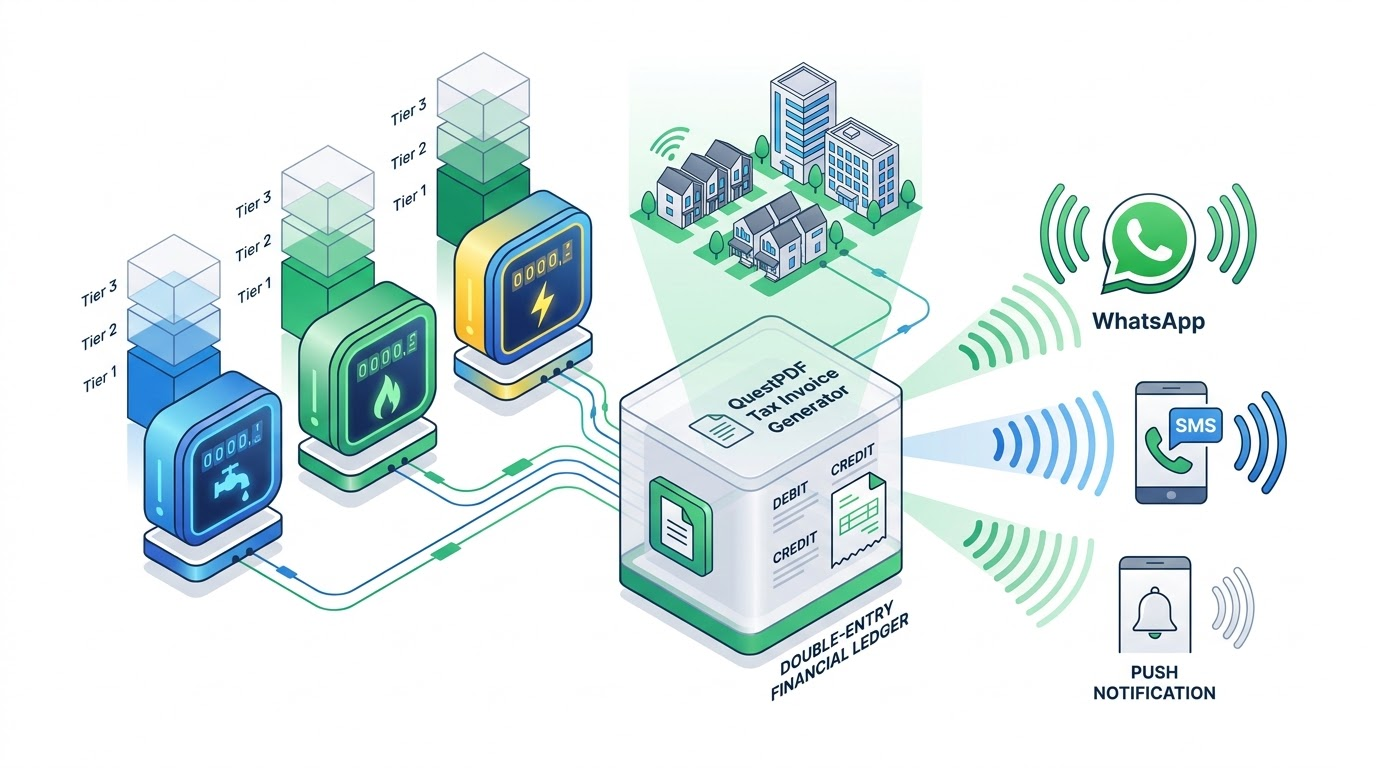
Define your community’s billing rules, generate unit-level charges, and give members a clear view of what they owe and what has been paid.
Record applicable meter readings. A community can decide whether it collects a utility charge or residents pay the provider directly.
Review bill details, payment history and financial reports from the appropriate role workspace.
Share community announcements and updates with the intended members through configured channels.
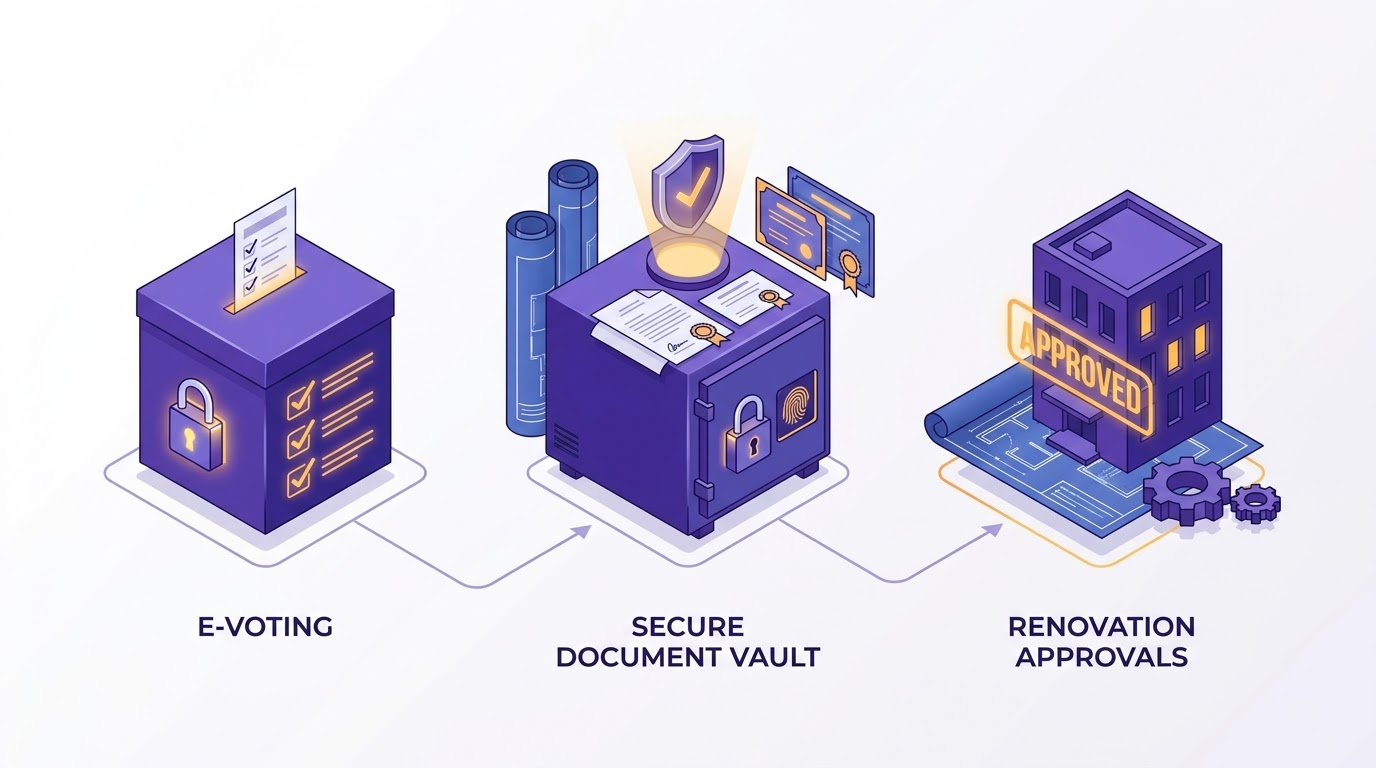
Committee decisions with a clear record
Prepare meetings, record minutes and review requests or expenses with a visible approval trail. Voting and document features depend on your community setup.
Collect community input and manage voting where the feature and local rules permit.
Keep key documents and committee meeting records accessible to authorised roles.
Route applicable member requests to the right community approver and record the decision.
Explore SocMgt by everyday task
Explore the tasks that matter to each role—from onboarding a member and managing dues to visitor check-in, maintenance and committee decisions.
See how member and property workflows connect
Bring member onboarding, unit records, linked properties and household details into one clear journey for admins and residents.
QR-based member registration

A clearer visitor journey from invite to arrival
Residents can share visitor details before arrival. Guards can review expected visitors, record check-in and check-out, and keep a gate log for the community.
Make community finances easier to follow
Set community billing rules, generate maintenance charges by unit, record payments and expenses, and review balances and reports. Discuss payment account setup during onboarding.

See the maintenance billing workflow
Choose billing frequency and charges, generate unit-level bills, review partial or full payments, and track overdue amounts. The steps below explain the process without showing fabricated transactions.
Set billing rules and generate bills
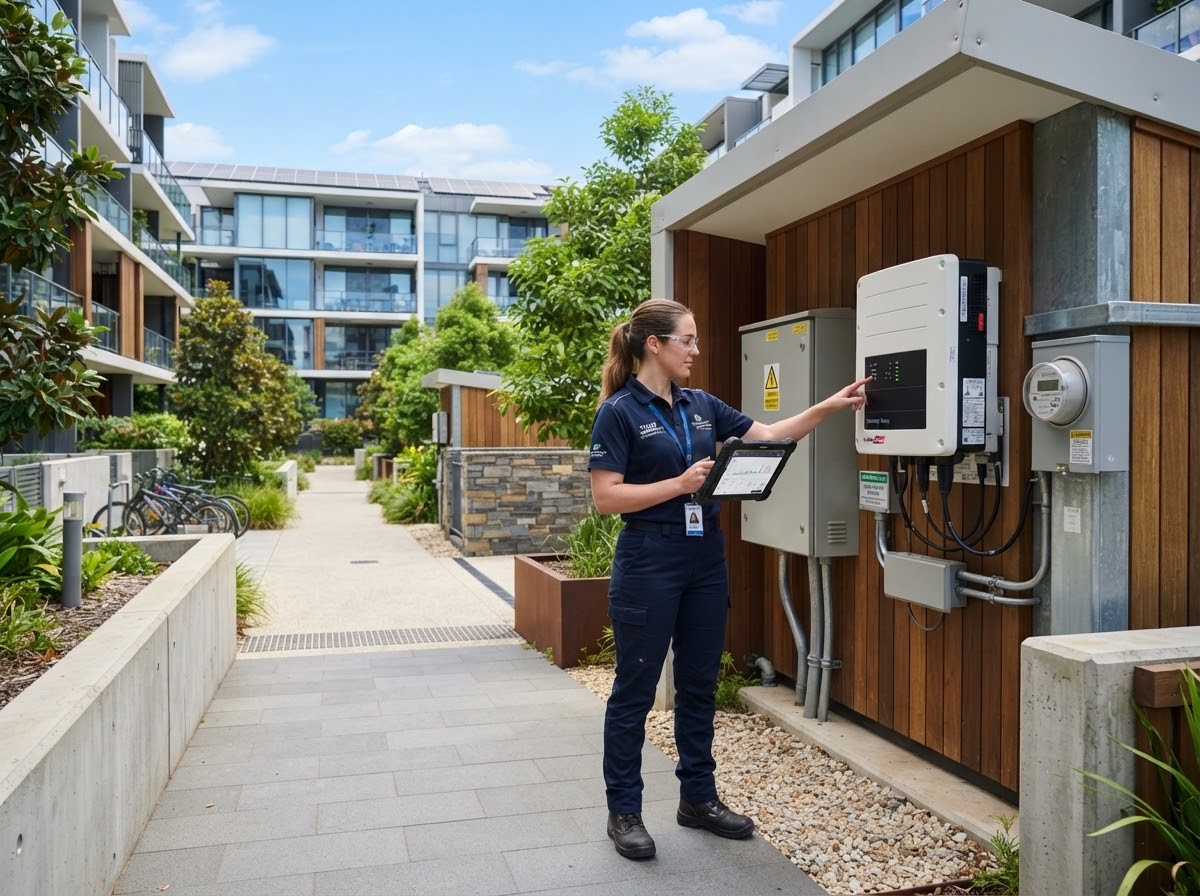
Stay on top of complaints and maintenance
Residents can raise a complaint or maintenance request. The community team can assign work, follow its status and keep the request history in one place.
Give residents one place to stay informed
Residents can see their linked properties, dues, requests and community notices. Family information and emergency contacts can be managed with role-appropriate access.


Keep decisions, approvals and records together
Plan committee meetings, record minutes, review spending and member requests, and keep the supporting documents associated with each decision.
Plan your community setup
Choose your community size to plan unit onboarding and see the number of bills in a cycle when each unit receives one maintenance bill.
Questions from community teams
A quick guide to who SocMgt is for and how the workflows fit together.
Who can use SocMgt?
Community administrators, committee members, owners, tenants, residents, security guards and staff have role-specific views. Access is assigned by the community.
Can one person manage multiple properties?
The linked-properties workflow is designed to show each unit under one account, with dues and requests in the context of the selected property.
How does maintenance billing work?
The community chooses billing frequency, due dates and charge rules. Admins create bills against units; members can review their dues and payment history.
How do residents join their community?
Community admins can invite members and review registration requests before access is granted. Ask us about QR-assisted registration for your community.
Can my community connect its own payment account?
SocMgt is designed around community-owned collections. We can walk through the payment account options and setup for your society.
Can different roles use the same platform?
Yes. Community admins, residents, committee members, guards and staff each see the information and actions relevant to their role.
See how SocMgt could fit your community
Tell us about your community. We will walk through its units, billing rules, member roles and the workflows that matter to your team.